Log in

Login page
When you log in, you will see the following screen.
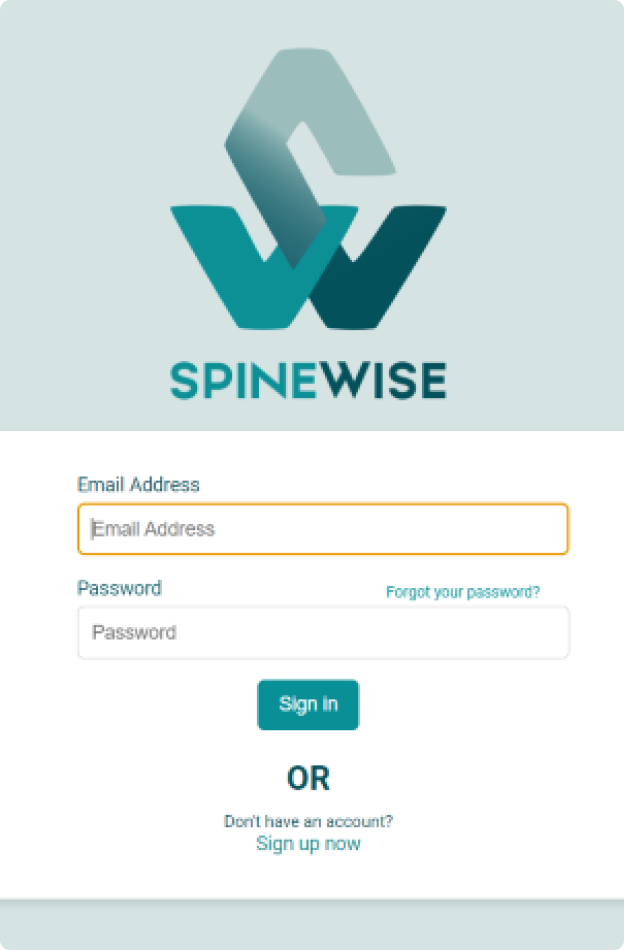
Log in
When you click the 'Log in' button, the following screen appears. Here you can log in if you already have an account, or create a new account by clicking Sign up now.
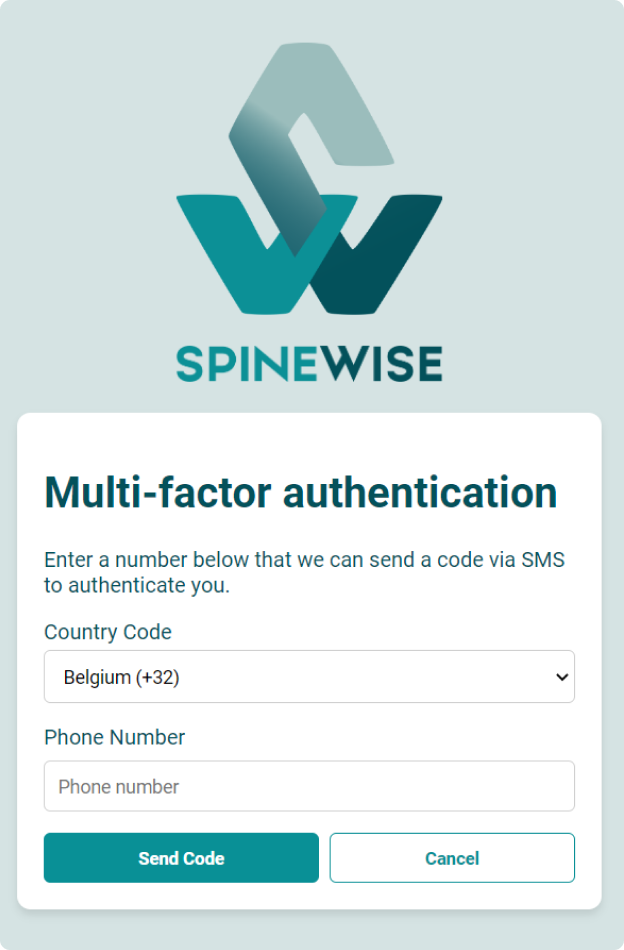
2-factor authentication
The desktop app uses 2-factor authentication. After you enter your details, you are asked to provide your phone number as well. You then receive a text message with a verification code.
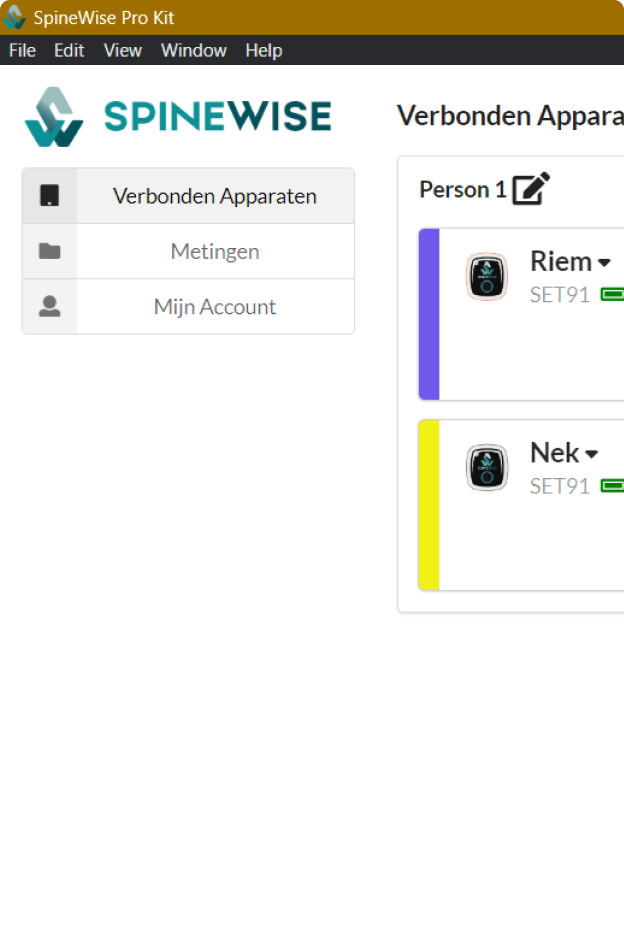
Successfully logged in
After logging in with your details, you will see the following screen showing the connected devices.